Agentic Search Insights
Using Project Timeline In Your Resume Site
A practical integration playbook for embedding timeline visuals in your personal website.
Choose the right embed mode
Use static image embeds when performance and compatibility matter most. Use interactive embeds when you want visitors to explore details.
In most cases, the best approach is one static preview near the top and one interactive demo near the case study section.
Preview Embed Example
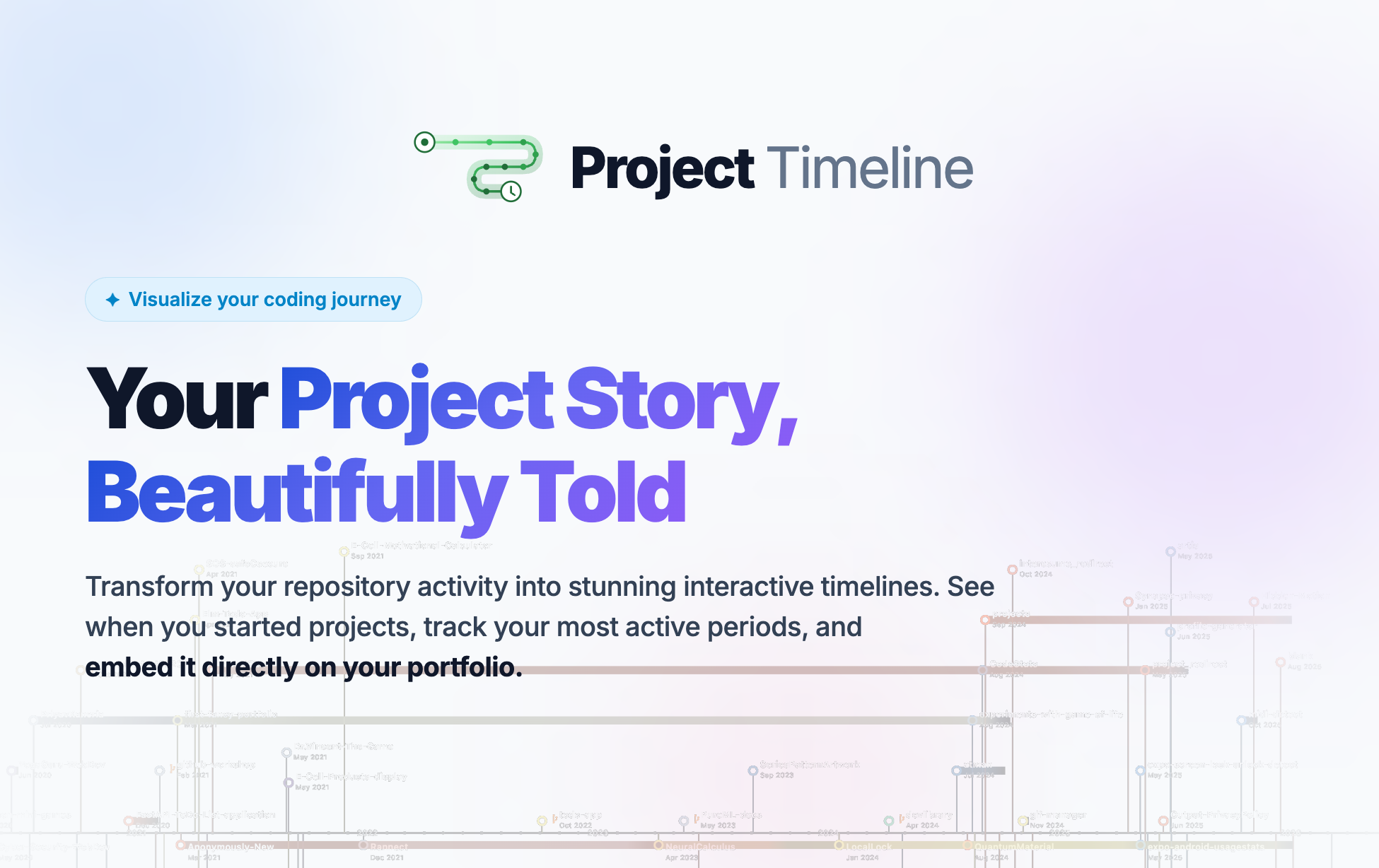
Static image preview that works in README files and portfolio pages.
Place timeline where decisions happen
Put visuals near project summaries and hiring calls to action. Do not hide them in footer sections.
The goal is to support decision points with evidence, not to decorate the page.
Interactive Embed Example
Live interactive timeline embed for portfolio and personal site pages.
Align theme and spacing
Match timeline theme to your site so it feels native. Keep spacing clean and avoid crowding text around the embed.
Small layout polish increases perceived product quality and keeps focus on your project evidence.
Embed Script Snippet
Add this script block to your own site to render a timeline in place.
<div id="gh-timeline"></div>
<script src="https://gitprojecttimeline.com/embed.js" data-key="YOUR_LICENSE_KEY" data-view="active" data-theme="auto" data-mode="interactive"></script>
Track conversion impact
Measure click-through from timeline sections to contact or demo actions. This tells you if placement is working.
Run simple experiments with CTA copy and position to improve outcomes over time.
Embed your work history in minutes
Use Project Timeline scripts or image embeds to make your resume site more credible and conversion-friendly.